PTGui is a photo stiching application. Photo stiching
involves perspectively
correcting images, such that they can be assembled into panoramic images. A panoramic image consists of
several images aligned such that they match exactly. It will look like an image shot with a wide angle
lens.
PTGui will seamlessly blend your images into a stitched panoramic photo. A free trial version is available, just click Download in the menu bar. PTGui runs on Windows and Mac OS X.
Features of PTGui:
Read more...
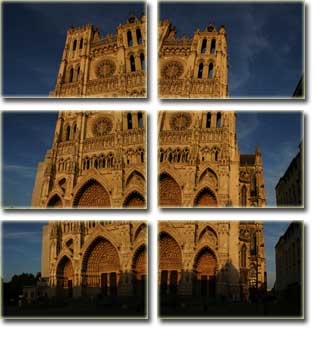
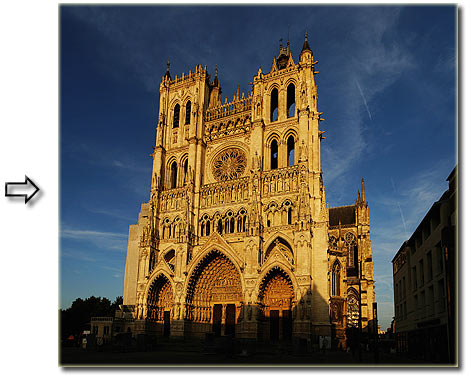
Stitched using PTGui:
Read more...
PTGui will seamlessly blend your images into a stitched panoramic photo. A free trial version is available, just click Download in the menu bar. PTGui runs on Windows and Mac OS X.
Features of PTGui:
- Create spherical, cylindrical or flat panoramas from any number of source images
- Supports jpeg, tiff, png and bmp source images
- WYSIWYG Panorama editor for interactive editing and realtime preview
- Stiching
- Supports many panoramic projections
- Create templates with frequently used settings
- Includes spherical panorama viewer and web publishing tool
Read more...
Example
Stitched using PTGui:
Read more...